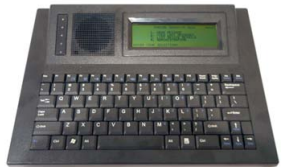
How to fix VPS – Cannot Detect Error – Visiplex Devices This is a video on how to troubleshoot the Visiplex Programming Software (VPS) “Cannot detect connected devices” when trying to connect to your Visiplex Occupant Warning System 17views VISIPLEX You may also like 03:20 Adding and editing a bell schedule via PC on the VS4810 21views VISIPLEX 06:35 Adding and Editing Bell Schedules – VS4820 75views VISIPLEX 07:39 Process for Editing, Uploading, and Scheduling Music (VS4820) 130views VISIPLEX visiplex,vs4820 2:30 Misolutions Group Visiplex Occupant Warning System Overview 63views General,VISIPLEX By Moana Marie|2025-10-23T02:21:10+10:00October 23rd, 2025|Comments Off on How to fix VPS – Cannot Detect Error – Visiplex Devices Share This Story, Choose Your Platform! FacebookXLinkedInPinterest